

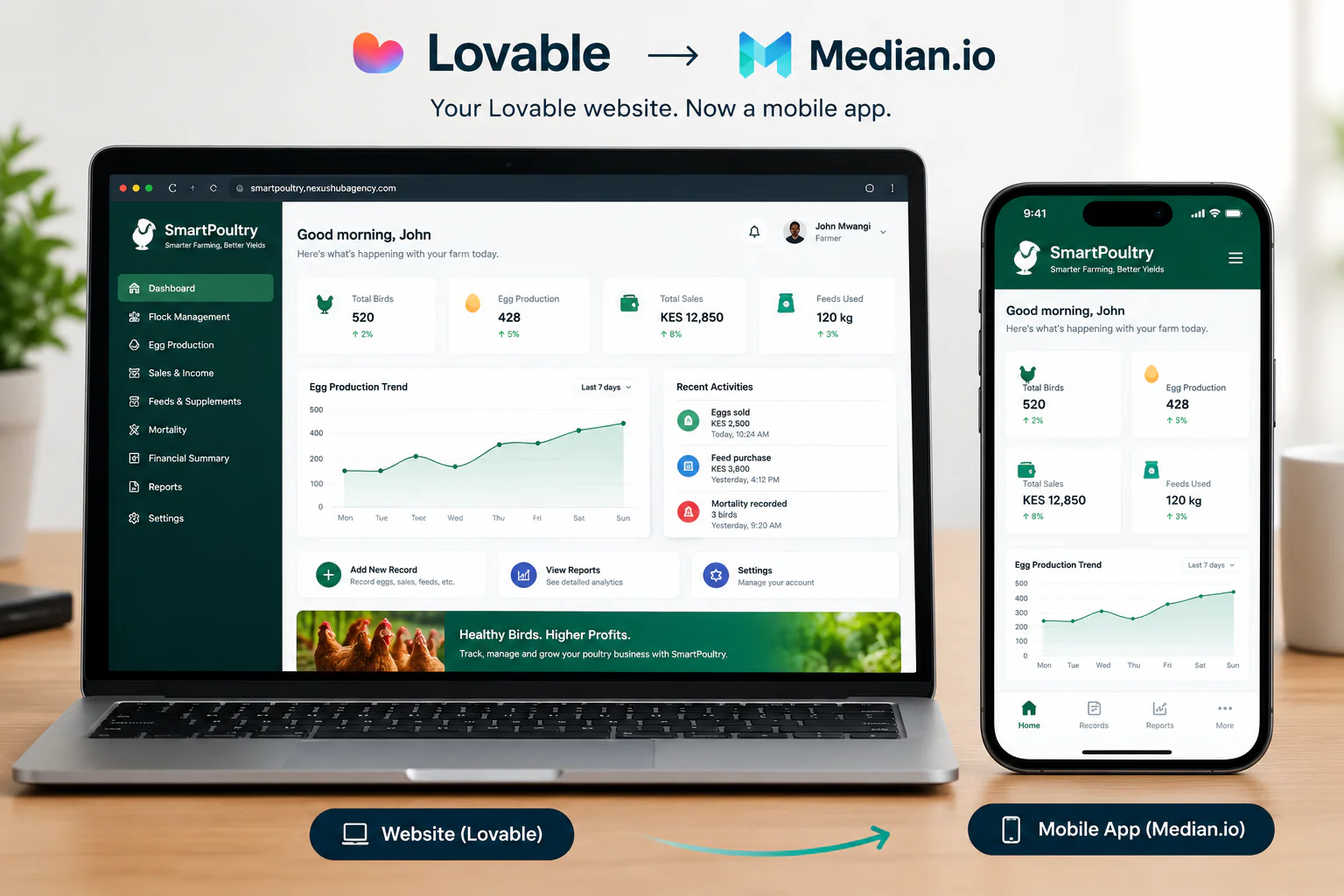
A complete, step-by-step walkthrough for founders and product teams: take a site you built in Lovable and ship it as a real iOS and Android app—no native development required.
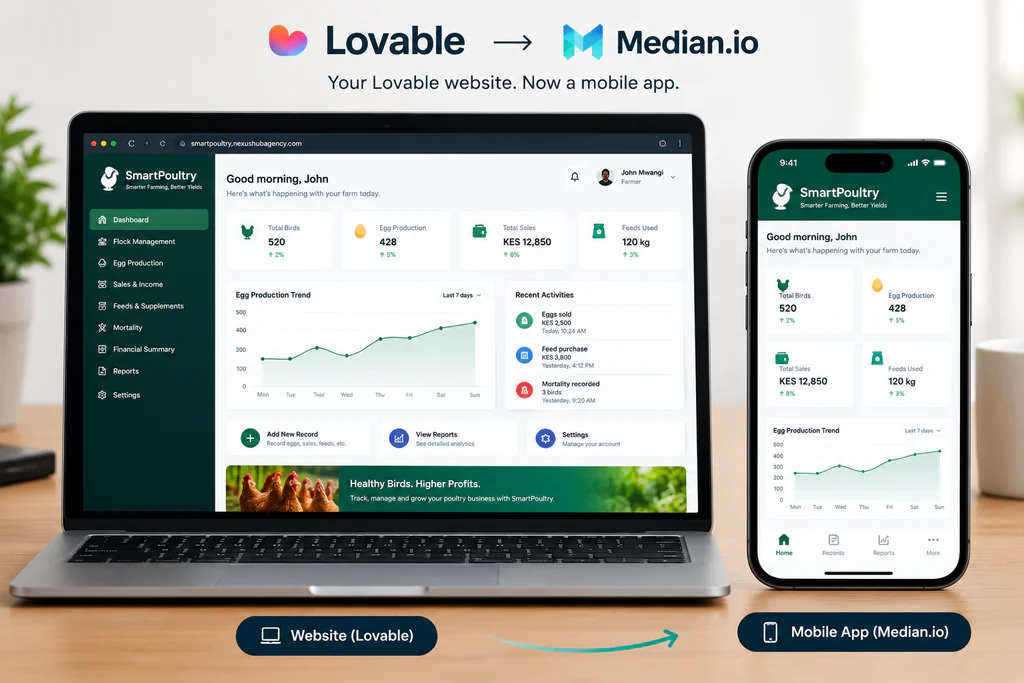
If you built your site with Lovable, you already have a working product. Turning it into an app people can download from the App Store and Google Play doesn’t mean rebuilding anything with Median.io, it means wrapping what you’ve already shipped.
More founders are prototyping and launching with Lovable, the AI app builder that turns a prompt into a working, responsive web app in minutes. It’s a fast way to validate an idea. But a browser tab isn’t where most users want to live; they want an icon on their home screen, push notifications, and an app that feels like it belongs on their phone.
That’s where Median.io (formerly GoNative) comes in. Median takes a live website, including a Lovable-built one, and packages it as a real native iOS and Android app, without you writing Swift, Kotlin, or React Native. This guide walks through the full process end-to-end: preparing your Lovable site, configuring the app in Median’s App Studio, adding native touches, and publishing to both app stores.
What You’re Actually Building
It helps to be precise about what a “Lovable-to-Median” app is, because it shapes every decision below.
| Term | What it means here |
|---|---|
| Lovable | An AI-powered builder that generates a full web app (frontend, and often a connected backend via Supabase) from natural-language prompts, deployable to a live URL. |
| Median.io | A platform that wraps an existing website in a native app shell sometimes called a “webview app builder” and adds native device features like push notifications, biometrics, and camera access via a JavaScript bridge. |
| The result | A real, installable iOS and Android app that renders your Lovable site inside a native container, listed on the Apple App Store and Google Play. |
Good to know
Median doesn’t rebuild your product natively; it displays your existing web content the way Mobile Safari or Chrome would, inside an app shell. That’s exactly why it works so well with Lovable: you keep one codebase, and every update you publish in Lovable appears in the app automatically, with no new app store submission required for content changes.
Why Bother Turning a Website Into an App?
A responsive Lovable site already works on mobile browsers, so it’s fair to ask whether an app is worth the extra step. For most product and marketing teams, three reasons tip the scales:
- Distribution. An icon on the home screen gets opened far more often than a bookmarked site you’re competing for attention where your users already are.
- Re-engagement. Push notifications, something no website can do reliably, are one of the highest-leverage retention tools available to a small team.
- Perceived credibility. “Available on the App Store” still signals legitimacy to customers and investors that a URL alone doesn’t.
The trade-off with a fully native rebuild is cost and time: a from-scratch iOS and Android app typically runs into the tens of thousands of dollars and months of development. Median’s webview approach compresses that into days, at a fraction of the cost the right call for MVPs, internal tools, content sites, directories, and most SaaS dashboards.
Before You Start: Prepare Your Lovable Site
Because Median displays your live site inside the app, the quality of the app is capped by the quality of the site it’s wrapping. Handle these three things in Lovable first.
1. Publish to a stable, public URL
Median needs a live URL; your Lovable preview link works, but for a production app you’ll want a custom domain. Publish your project from Lovable and, ideally, connect it to a domain you own (for example, app.yourbrand.com) rather than shipping the default *.lovable.app subdomain to the app stores.
2. Make it feel native before Median even touches it
- Kill unwanted zoom and rubber-banding. Set
<meta name="viewport" content="width=device-width, initial-scale=1, maximum-scale=1">so fields and buttons don’t force users to pinch-zoom. - Design for thumbs. Move primary navigation to the bottom or a slide-out menu; a desktop-style top nav feels foreign inside an app shell.
- Respect safe areas. Keep interactive elements clear of the notch, status bar, and home indicator, since the app fills the full screen.
- Handle offline gracefully. Add a simple “you’re offline” state apps are expected to at least fail politely without a connection, unlike a browser tab.
3. Tighten load speed
App users are far less patient with a spinner than web visitors. Compress images, lazy-load below-the-fold content, and confirm your Lovable app’s Lighthouse mobile performance score before moving on. Median can’t fix a slow backend.
Pro tip
If your Lovable app was scaffolded with a standard framework, most of these changes are just CSS and a meta tag. You can prompt Lovable directly (e.g. “make the bottom navigation fixed and add a safe-area inset for iOS”), and it will implement the change for you.
The Conversion Process, Step by Step
This is the same path Median recommends for any site, applied specifically to a Lovable project.1PublishLovable site2Create appin Median3Brand theapp shell4Add nativefeatures5Test onreal devices6Submit toapp stores
The Lovable → Median pipeline: your website is the single source of truth throughout.
1. Create your app in Median’s App Studio
Go to median.co and sign up for a free account. On the first screen, paste your Lovable site’s live URL — Median’s “Instant Preview” builds a working app immediately so you can see roughly how your site will look inside a native shell. This step takes minutes, and you don’t need to touch code.
2. Brand the app shell
Inside the App Studio, upload your app icon (1024×1024px) and splash screen, then set your primary color to match your brand. Configure the status bar style, choose between a native bottom tab bar or your site’s own navigation, and decide whether the app opens directly to your homepage or a specific onboarding route.
3. Add native functionality with the JavaScript Bridge
This is where a webview app stops feeling like “just a website in a box.” Median’s JavaScript Bridge is a small script you add to your Lovable project that lets your site talk to the phone’s hardware. Common additions:
- Push notifications — re-engage users without an email open rate to fight.
- Biometric login — Face ID/fingerprint unlock for returning users.
- Camera and file access — for uploads, scanning, or avatar photos.
- Haptics — subtle vibration feedback on key actions.
- Native share sheet — the OS-level share menu instead of a web share fallback.
None of this is required for a basic launch; you can ship a clean wrapper app first and layer these in later as your Lovable app’s needs grow.
4. Preview and test on real devices
Median’s App Studio includes a live simulator, and you can install a preview build directly on your own phone before anything goes near a store review team. Check every screen for the mobile-readiness items from the prep section above; this is where undersized tap targets and top navigation bars that should have moved to the bottom become obvious.
5. Submit to the Apple App Store and Google Play
You’ll need an Apple Developer account ($99/year) and a Google Play Developer account ($25 one-time). Median generates the build files for both stores from inside the App Studio and guides the submission forms. Review your app against Apple’s App Store Review Guidelines before submitting. Apple in particular scrutinizes webview apps that feel too close to “just a website,” so make sure the native touches from Step 3 are in place.
6. Ship updates without a resubmission
Once the app is live, any change you publish in Lovable new copy, a new page, a redesigned section appears in the app the next time a user opens it. You only need to submit a new build to the app stores when you change something in the app shell itself, like the icon, native features, or permissions.
What It Costs
Pricing is one of Median’s strongest arguments over a native rebuild. As of this writing, the published tiers are roughly:
| Plan | Price | Good for |
|---|---|---|
| Free | $0 | Building and previewing your app, testing the concept end to end. |
| Starter | ~$229 one-time + ~$179/yr | Removing Median’s branding and publishing a small, single-developer app. |
| Essential and above | From ~$590 one-time + ~$399/yr | Teams that need advanced native plugins and multi-developer access. |
Figures are approximate and change over time; confirm current numbers on Median’s pricing page before budgeting. Apple ($99/yr) and Google Play ($25 one-time) developer account fees are separate and required regardless of which app-conversion tool you use.
Common Mistakes to Avoid
- Wrapping a site that isn’t ready. Ship the mobile-readiness checklist first; an app store listing makes a slow, un-optimized site more visible, not less.
- Treating the app icon as an afterthought. It’s the first brand impression on the home screen; design it at full resolution, not a shrunk logo.
- Skipping native login and payments where required. If your Lovable app sells digital content or subscriptions, Apple generally requires In-App Purchase rather than an external checkout; check this against the current App Store guidelines before submitting.
- Forgetting Android’s back button. Test that Android’s native back gesture behaves sensibly inside your webview rather than exiting the app unexpectedly.
- Not testing on a real network. Wi-Fi in the office hides load-time problems that show up instantly on mobile data.
Frequently Asked Questions
Can I really turn any Lovable website into an app?
Yes, provided the Lovable project is published to a live, public URL. Median wraps that URL in a native shell, so the site needs to be reachable on the open internet; a local preview link won’t work for a published app.
Do I need to know how to code?
No. Creating and configuring the app in Median’s App Studio is entirely no-code. Basic JavaScript is only needed if you want to wire up deeper native features through the JavaScript Bridge, and Lovable’s AI assistant can write most of that for you if you describe what you want.
Will my app pass Apple’s review?
Webview apps can pass App Store review, but Apple looks closely for native functionality beyond “a website in a frame.” Adding push notifications, native navigation, and device features as covered in Step 3 meaningfully improves approval odds. Always review the current App Store Review Guidelines before submitting.
Does this work for Android too?
Yes. Median builds for both iOS and Android from the same configuration, and Google Play’s review process is generally more lenient toward webview-based apps than Apple’s.
What happens when I update my Lovable site after the app is live?
Content and design changes sync automatically; users see the update the next time they open the app, with no app store resubmission needed. Only changes to the app shell itself (icon, permissions, native plugins) require a new build submission.
Is Median the only option?
No alternatives such as GoNative (Median’s earlier product line), Convertify, and Twinr follow a similar webview approach. Median is widely used because of its App Studio, plugin library, and JavaScript Bridge, but it’s worth comparing options against your specific feature needs.
Want This Done For You?
Nexus Hub Agency builds and ships Lovable-powered products end to end from the initial build to mobile-readiness optimization, to a fully published Median.io app on both the App Store and Google Play. If you’d rather hand this off than DIY it, get in touch with our team.